
<img src="https://secure.leadforensics.com/51974.png" style="display:none;">
NEW Discover how to get more control over budget management >
The problem

Manual invoice processing costs time, money and control

Finance teams still spend hours every week manually processing, checking and approving invoices. That leads to errors, delays and a lack of insight.

See how ISPnext solves this ›

Time-consuming manual work

Manually entering, checking and routing invoices takes unnecessary time and increases the risk of errors.

No real-time insight

Outstanding obligations and invoice status are unclear, making cash flow planning difficult.

Compliance risks

Without a full audit trail and controlled approval flows, the risk of compliance issues increases.

Disconnected systems

Invoices arrive via email, portals and paper. Manual entry into the ERP leads to data silos.

Who it's for

Who is this suitable for?

AP Automation is for organizations that want control over their invoice processing and strive for maximum efficiency. Ideal for growing organizations, those with complex administrations, or collaboration across multiple systems, suppliers and teams.

Finance Manager

Finance departments that process invoices digitally and want to work faster and error free.

Procurement Manager

Procurement professionals who want to stay in control of obligations, budgets and contractual agreements.

IT Manager

IT project leaders looking for scalable and secure integrations with existing ERP systems.

View all roles ›
How it works

How automated invoice processing works in 5 steps

Curious how automated invoice processing works in practice? With AP Automation you digitize the entire process.

Step 1Processing

Invoice intake

Invoices in PDF, XML or on paper are automatically retrieved, scanned and read.

  • Any format: PDF, XML, paper
  • Automatically retrieved from inbox and portals
  • Instantly shown with a status in the overview
Step 2AI Recognition

AI recognition

nextAI automatically recognizes invoice number, amount, VAT code and currency, faster and more accurately than manual entry.

  • Header data and lines read automatically
  • Adjust instructions in plain language
  • Ever-improving recognition accuracy
Step 3Matching

Reading and matching

Invoices are automatically matched with purchase orders; discrepancies are flagged immediately.

  • Automatic 2-way and 3-way matching
  • Discrepancies flagged per line
  • Tolerance and routing to the buyer
Step 4Approving

Flagging and approving

Invoices automatically follow the right approval flow, with full traceability.

  • Smart routing by amount and budget
  • Approve, reject or ask a question
  • Every step logged and traceable
Step 5Posting

Posting and archiving

After approval, invoices are automatically posted, paid and archived in a compliant way.

  • Journal entry and export to your ERP
  • Automatically paid on the due date
  • Retained for 7 years with a full audit trail
ISPnext
MV
AP Automation Invoices

Invoice overview

To process
128
▲ 12 received today
Awaiting approval
42
8 open longer than 3 days
Ready for payment
€ 86.400
17 invoices
Discrepancy detected
5
needs attention
Search invoice or supplier
All Outstanding Discrepancies
Deze maand
Invoice Supplier Amount Due date Status
26899886
BD
Best Deal
€ 320,30 02-06-2026 Balanced
26899731
OD
Office Depot
€ 1.284,50 05-06-2026 Awaiting approval
26899654
CW
Croon Wolter & Dros
€ 8.940,00 28-05-2026 Price difference
26899502
KP
KPN Zakelijk
€ 442,15 10-06-2026 Ready for payment
26899410
ST
Staples NL
€ 96,80 12-06-2026 Paid
26899388
EN
Engie Energie
€ 2.110,00 15-06-2026 In progress
1–6 of 128 invoices
123
ISPnext
MV
nextAI — Prompt builder
AI EXTRACTION

Add instructions so the model recognises invoice data better, for example "Invoice numbers always start with INV followed by 6 digits."

Use the description of the first line as the header text.
Suggested instructions
Translate line description into English Put the week number in the description PO number starts with 45
Compare extraction
Field First run Latest run On invoice
Invoice number268998862689988626899886
SupplierBestdealBestdealBest Deal
Header textNot foundPhilips Master TL-buis
PO numberP26000037P26000037P26000037
Total amount320,3320,30320,30
VAT amount55,5955,5955,59
Source document
ISPnext BV
Europalaan 30
5232 BC 's-Hertogenbosch
bestdeal
Bestdeal
Bogert 8
5612 LZ Eindhoven
Invoice no.: 26899886
Date: 19-05-2026
PO: P26000037
DescriptionQtyTotal
Philips Master TL-buis136,08
Dymo D1 Labeltape119,00
Altrex Jumbo Step Trap1265,22
Subtotal   € 264,71
VAT 21%   € 55,59
Total   € 320,30
ISPnext
MV
Invoices Purchase invoice
Price difference Invoice 26899654 · Croon Wolter & Dros
Invoice amount
€ 8.940,00
PO amount (ordered)
€ 8.485,00
Difference
+ € 455,00
+5,4%
Line matching 3 lines 1 regel met verschil
Description PO number Ordered Invoiced Difference Amount
Aluminium cable tray 3m 4500012288 40 pcs 40 pcs Match € 4.760,00
Installation material set XL 4500012289 10 pcs 13 pcs +3 pcs € 1.970,00
Technician assembly hours 4500012290 18 hrs 18 hrs Match € 2.210,00
Quantity differs on line 2. Invoiced 13 pcs against 10 pcs ordered (+3 pcs, € 455,00). Choose a resolution: approve within tolerance, adjust the goods receipt or forward to the buyer.
ISPnext
MV
Invoices Approval
Awaiting approval Invoice 26899731 · Office Depot
Invoice
€ 1.284,50
incl. € 222,90 VAT
SupplierOffice Depot
PO number4500012301
Cost centreFacility / Office
Due date05-06-2026
Binnen budget · geen verschil
Approval flow Step 3 of 4 Fully traceable
Submitted· System
Read in and coded automatically · 04-06-2026 09:12
AV
Anne de Vries· Budget holderApproved
"Agreed, within the agreed budget." · 04-06-2026 11:40
TB
Tom Bakker· Manager FinanceWaiting for you
Release paymentTo do
Automatic after final approval
ISPnext
MV
Invoices Posting
Posted and archived Invoice 26899886 · Best Deal
Invoice posted and paid automatically
Processed without manual intervention · 06-06-2026 08:03
Geëxporteerd naar Exact Online
Journal entry Document 2026-04182
GL account Cost centre Debit Credit
4210 Office suppliesFacility / Office264,71
1520 VAT receivable55,59
1600 Accounts payableBest Deal320,30
Total320,30320,30
Debet en credit in balans
Payment
Amount€ 320,30
Payment date06-06-2026
StatusPaid
Archive and compliance
Archived digitally (PDF + XML)
Retention period of 7 years secured
Full audit trail recorded
View audit trail
Benefits

The benefits of invoice processing software

ISPnext's AP Automation gives finance teams the tools to digitize invoice processing, shorten cycle times and stay in control of liabilities.

Request a demo

Automate time consuming and repetitive tasks

Eliminate manual work and reduce errors by automating processes. Manage incoming invoices efficiently and process invoices from one central platform.

Real time insight into obligations and cash flow

Get immediate insight into outstanding invoices, obligations and financial risks with smart invoice software that keeps your cash flow clear.

Full control over costs and compliance

Prevent duplicate payments, spot discrepancies early and comply with laws and regulations. With AP Automation, invoice approval runs digitally and under control.

Results

Why choose AP Automation?

450+
Organizations trust our invoice processing software
95%
Touchless processing of incoming invoices
50%
Faster approval through less manual work
100%
Insight, control and compliance within the invoice process
Customer case

Customers on AP Automation

More than 450 organizations work with ISPnext. From retail and logistics to food and business services: our customers choose a fast, accurate and clear accounts payable process.

View all customer cases

Customer case · Shimano

“Thanks to the ISPnext consultant, we have reached the most optimal alignment for matching!”

Wim Hartog, Shimano Europe
Wim Hartog
Senior Manager Finance, Shimano Europe
Customer case · Komatsu

“Thanks to ISPnext, our approval process is fully integrated, providing more visibility and faster invoice processing.”


Eric de Cat, Komatsu
Eric de Cat
ICT Business Analyst Finance, Komatsu
Customer case · TANATEX Chemicals

“Thanks to automated invoice processing with AP Automation, we have continuous insight into invoice status and processing is more consistent within our SAP environment.”

Eddy Schouten, TANATEX Chemicals
Eddy Schouten
Manager Finance EMEA, TANATEX Chemicals
Whitepaper

Prefer to learn more first?

Download the free whitepaper AP Automation in 5 steps.
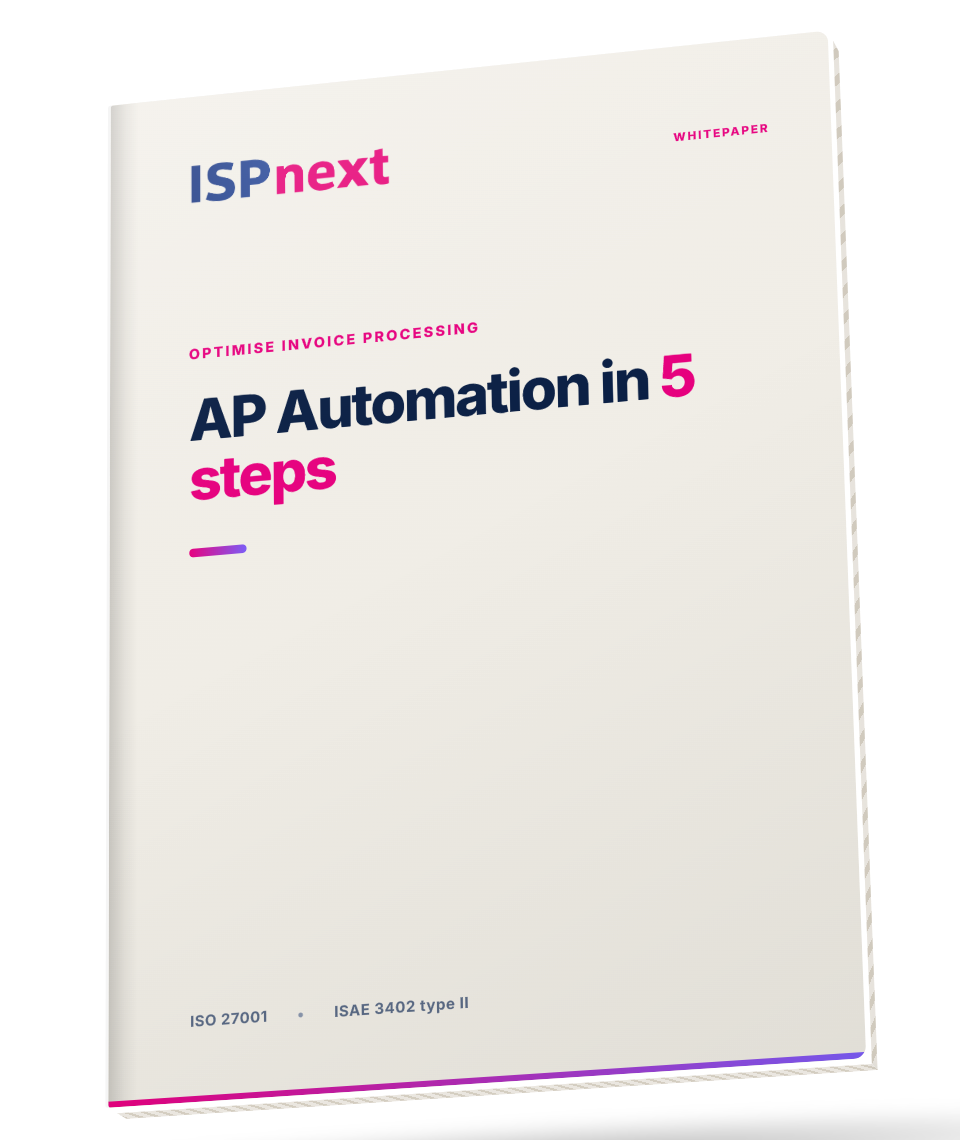
Download whitepaper
Free 5 min read
Whitepaper mockup: AP Automation in 5 steps
More possibilities

Extend your AP Automation with additions

Combine AP Automation with AI recognition, e-invoicing and early payment discounts for even more control over your invoice process.

nextAI

Increase financial accuracy and speed with AI-driven invoice control.

  • Saves an average of 2 to 4 hours per week on invoice processing
  • Fewer errors and exceptions
  • Strong data security and control
nextAI ›

E-invoicing

Increase efficiency and ensure compliance with fully automated invoicing.

  • Worry-free compliance with laws and regulations
  • Fast, accurate and automated invoice processing
  • Strong financial control through ERP integration
E-invoicing ›

Dynamic Discounting

Benefit directly from discounts by paying suppliers earlier.

  • Increase financial efficiency through cost reduction and automation
  • Improve speed and agility in payment processes
  • Strengthen supplier relationships through transparency and timely payments
Dynamic Discounting ›
Integrations

ERP integrations for invoice automation

30+ standard ERP integrations, ready to use without customization.

SAP
Exact Online
D365 Business Central
D365 Finance & Operations
Infor LN
Infor M3
Oracle JD Edwards
BESTMIX
More about our ERP integrations ›
Frequently asked questions

Frequently asked questions about AP Automation

Automated invoice processing, also known as digital or electronic invoice processing, is the process where incoming invoices are fully automatically processed. Think of recognizing, matching, approving and posting invoices without manual steps. This results in fewer errors, time savings and better compliance.

With good invoice processing software you process large numbers of invoices faster, error free and with real time insight. You save time, prevent duplicate payments and comply with laws and regulations. The software also helps with digital invoice processing and invoice automation.

Yes, with AP Automation you can manage incoming invoices directly linked to your ERP. The solution supports SAP, Exact, D365 and Infor, among others. This lets you benefit from automated invoice processing within your existing systems.

AP Automation (Accounts Payable Automation) helps companies process invoices fully automatically, from receipt to payment, which saves time, prevents errors and promotes compliance.

Touchless invoicing means invoices are processed without manual steps. This happens through AI, OCR and automatic matching with purchase orders, ensuring maximum efficiency.

With invoice matching software, incoming invoices are automatically compared with orders or contracts. This prevents discrepancies, speeds up approval and minimizes manual work.

Invoices are automatically routed through workflows based on preset rules, such as amount, budget holder or department. This increases speed, control and prevents delays in the payment process.

Ready to get started?

Automate your invoice processing today

Join 450+ organizations that have transformed their AP process.